Don Johnson's Website
My Personal 'Stuff'
'


RACENITE
Program
 
Back in the 70s - when I built my first computer - The Compukit UK 101 - I
took a BASIC program for running a TOTE and rewrote it to function more
efficiently and to display 'real' odds - the ones that bookmakers use, not
mathematicians!  For Round Table, the Scouts, other groups and - later -
Rotary, I used the program at many fund-raising Race Nights.  If you are
unaware of these, they are events where films of horse races are shown -
after people have bought tickets (i.e. 'bet') on the one they think might be the
winner.   At the end of the race, the total amount 'wagered'  (less a
percentage for the fund being supported) is divided amongst the holders of
tickets for the winning horse.   They can be fun evenings, and the TOTE
program adds to the atmosphere - and promotes more 'betting!'
 
In the early days, the computer display was a television - tuned to a
particular channel.   For the Race Nights, more than one screen was needed
to let everyone see the TOTE, so TVs were borrowed, and fed via aerial
cables from an amplifier/splitter.  Apart from the aerial cables, the TVs
needed mains as well, so those attending had to be careful not to trip over
the mass of wires on the floor!  What would today's 'elf 'n safety society
make of that?   Besides actually running the computer, I also had to keep all
the TVs correctly tuned, and keep adjusting their vertical holds to keep the
pictures stable - these evening could be quite stressful, especially if the
power went off and all the data was lost!   Those TVs were also damn
heavy, so getting them into the event hall,  and out again afterwards, was
exhausting!
 
I improved the program over the years, and eventually re-wrote it in the 'C' programming language so that it could run on more up-
to-date computers, and it has been used in that form for some years -  though less frequently of late.   Nowadays, instead of TVs,
an overhead display projector is used with a laptop PC, alternately showing the TOTE display and stored videos of the races. 
Unfortunately,  modern laptops could not display my 'C' program properly, so I needed to re-write it.   I discovered some free
software called JustBASIC, which I have used to update my program - albeit going back to the first program language available for
general use.  Below are some pictures of the different screens that the program displays.  
 
If you are interested in getting a copy of this program - FREE - for your own use, please contact me at the e-mail address
on my Home Page.
 
 
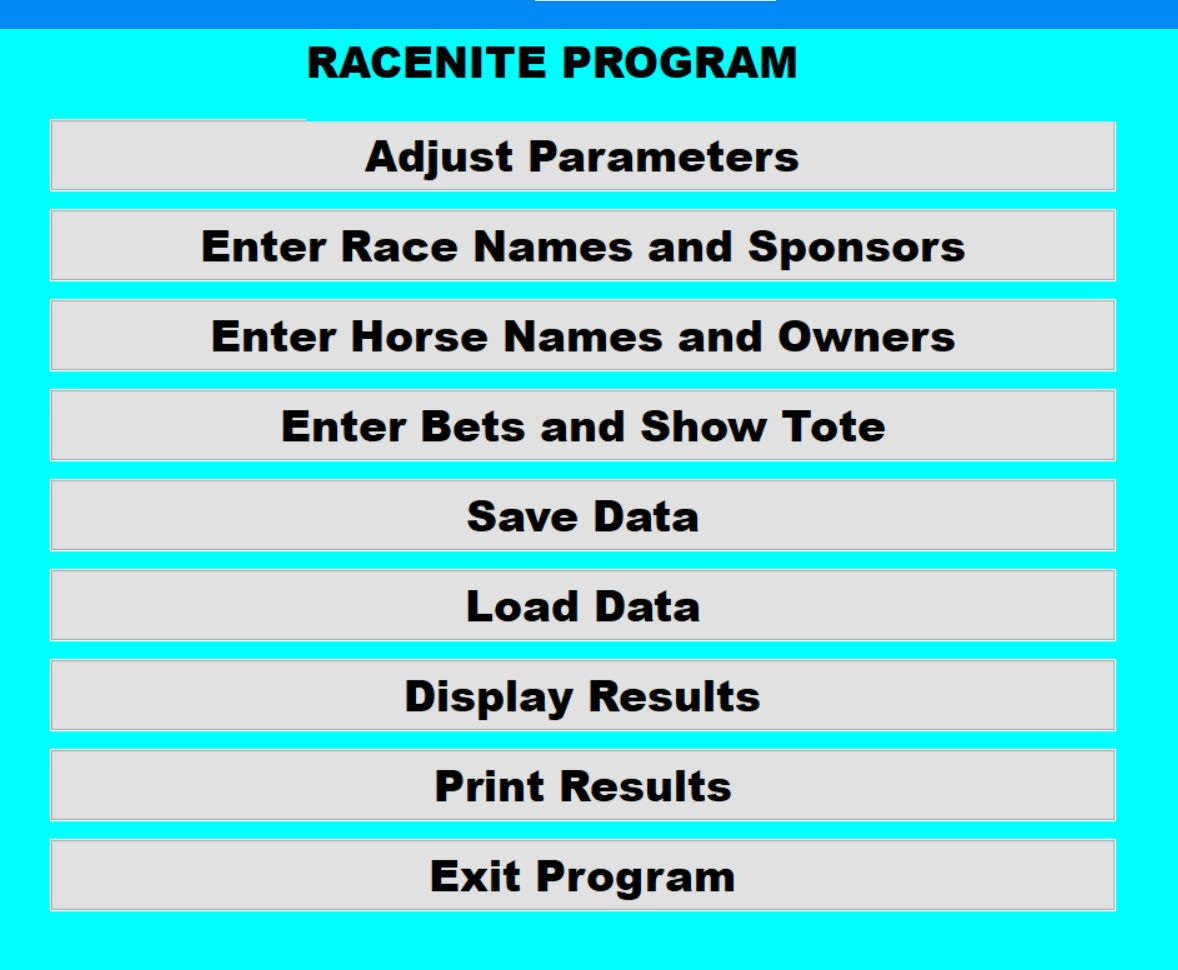
Below are some of the display screens used by the program
 
 
This is the opening screen


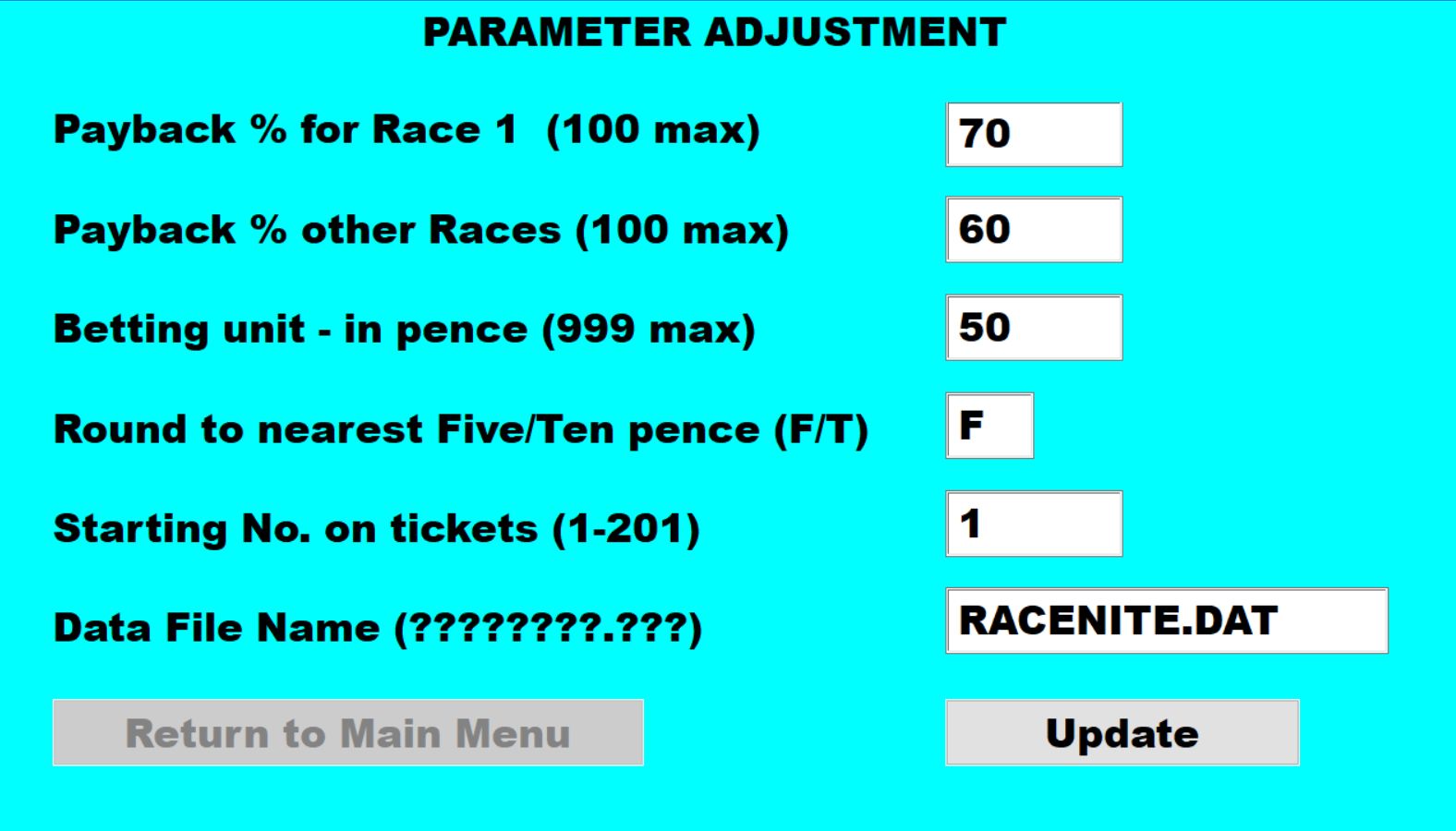
This is the screen where various parameters can be
adjusted prior to the event. 
Payback on the first race may be set slightly higher than the
rest to - hopefully - get an initial result to impress the
punters.  
The 'Rounding to the nearest Five/Ten pence' entry depends
upon the change that the evening's treasurer has brought
along!
The 'Starting No. on tickets' entry enables partially used
books (all starting at the same number - of course) to be
used.


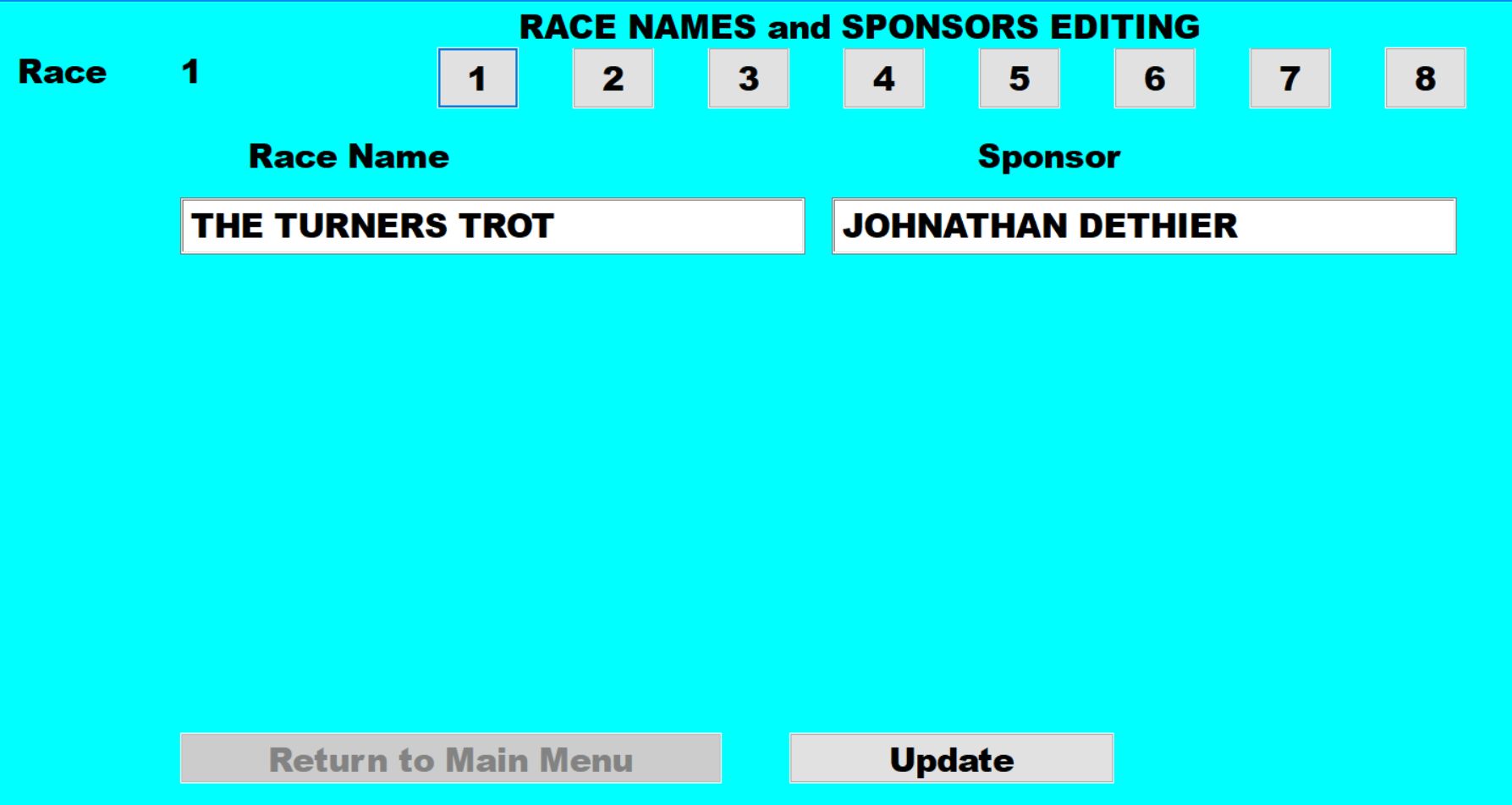
On this screen, Race Names and Sponsors
can be entered/edited
 
 
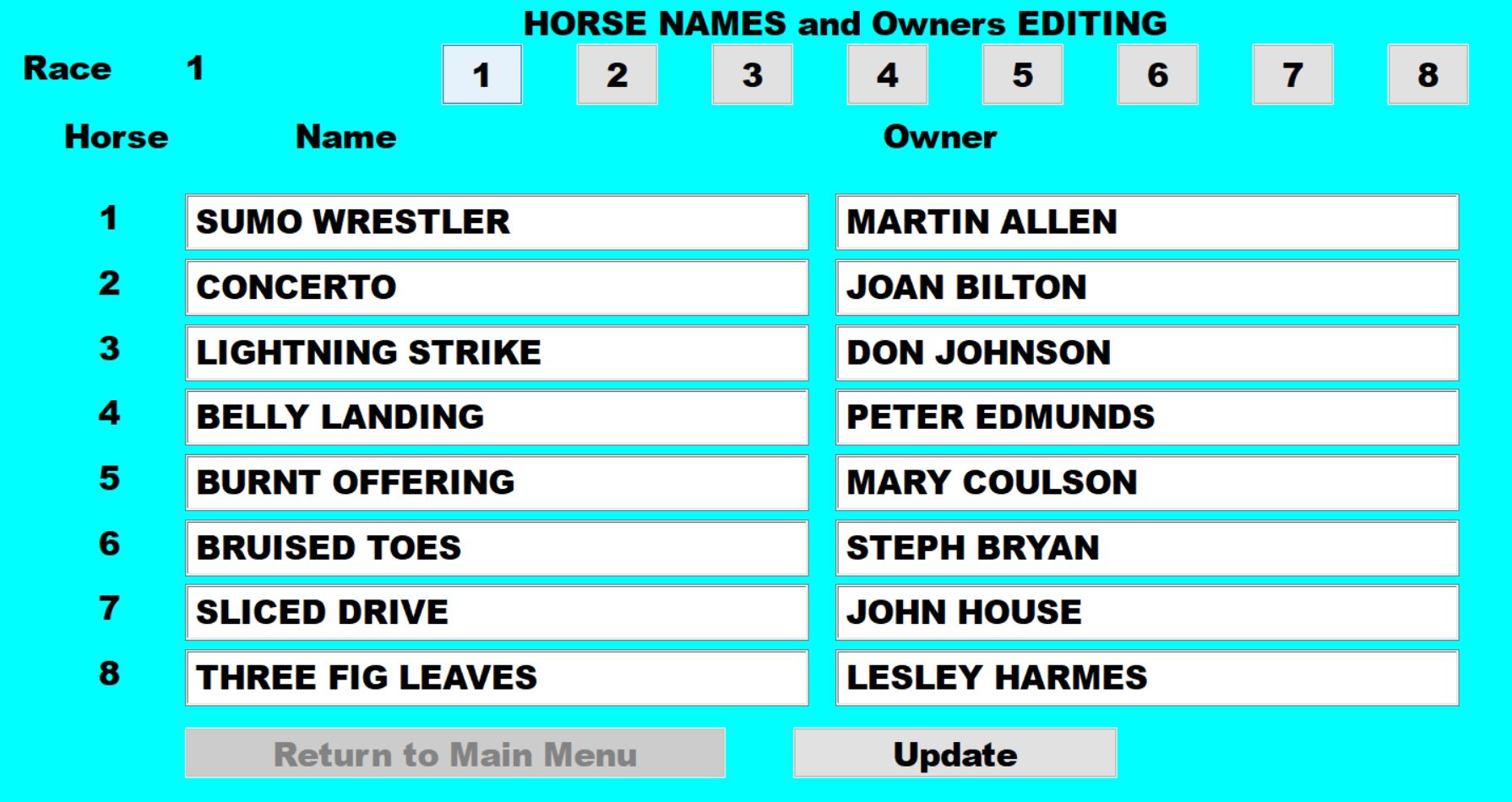
On this screen, the Horse Names and their Owners can be
entered/edited


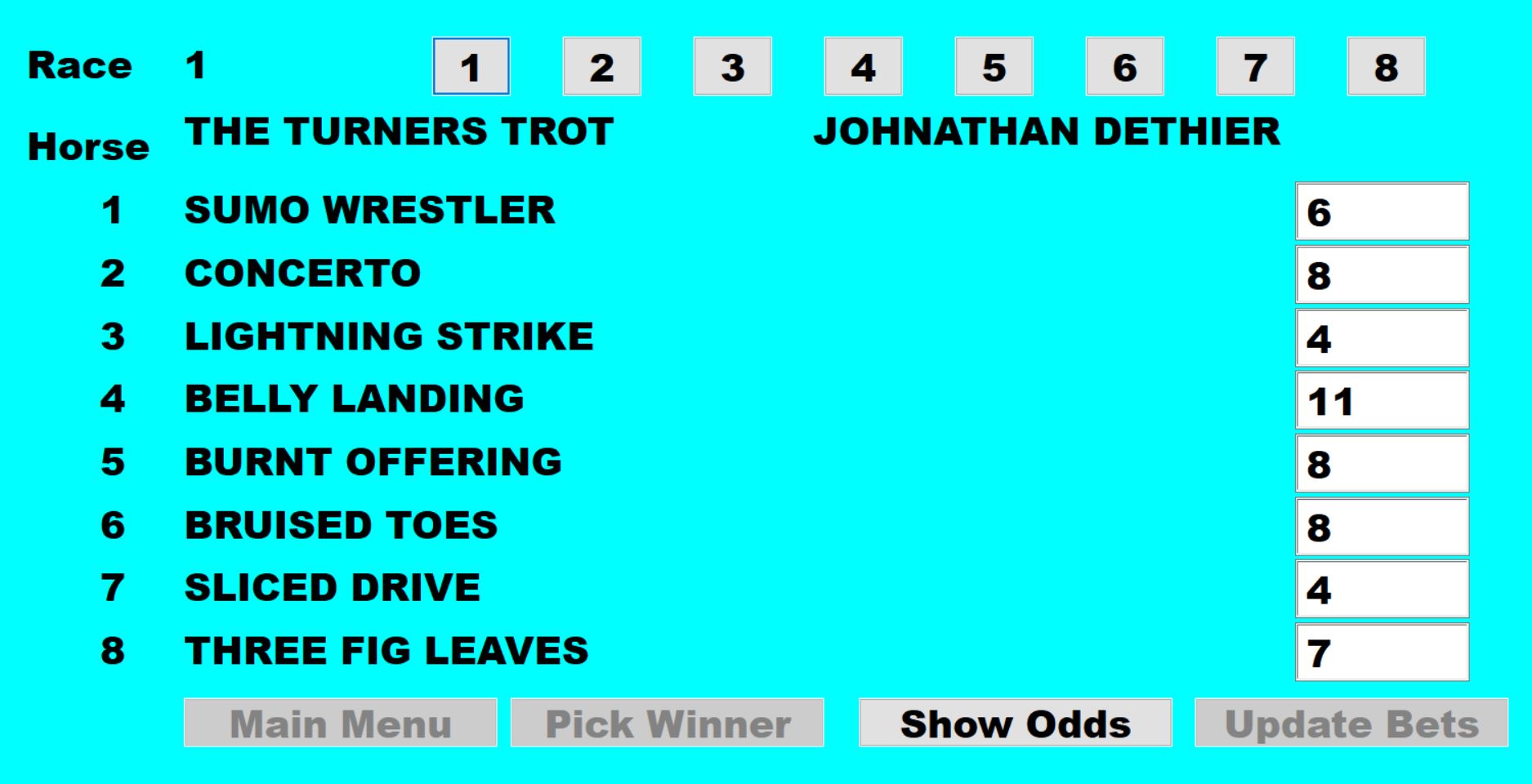
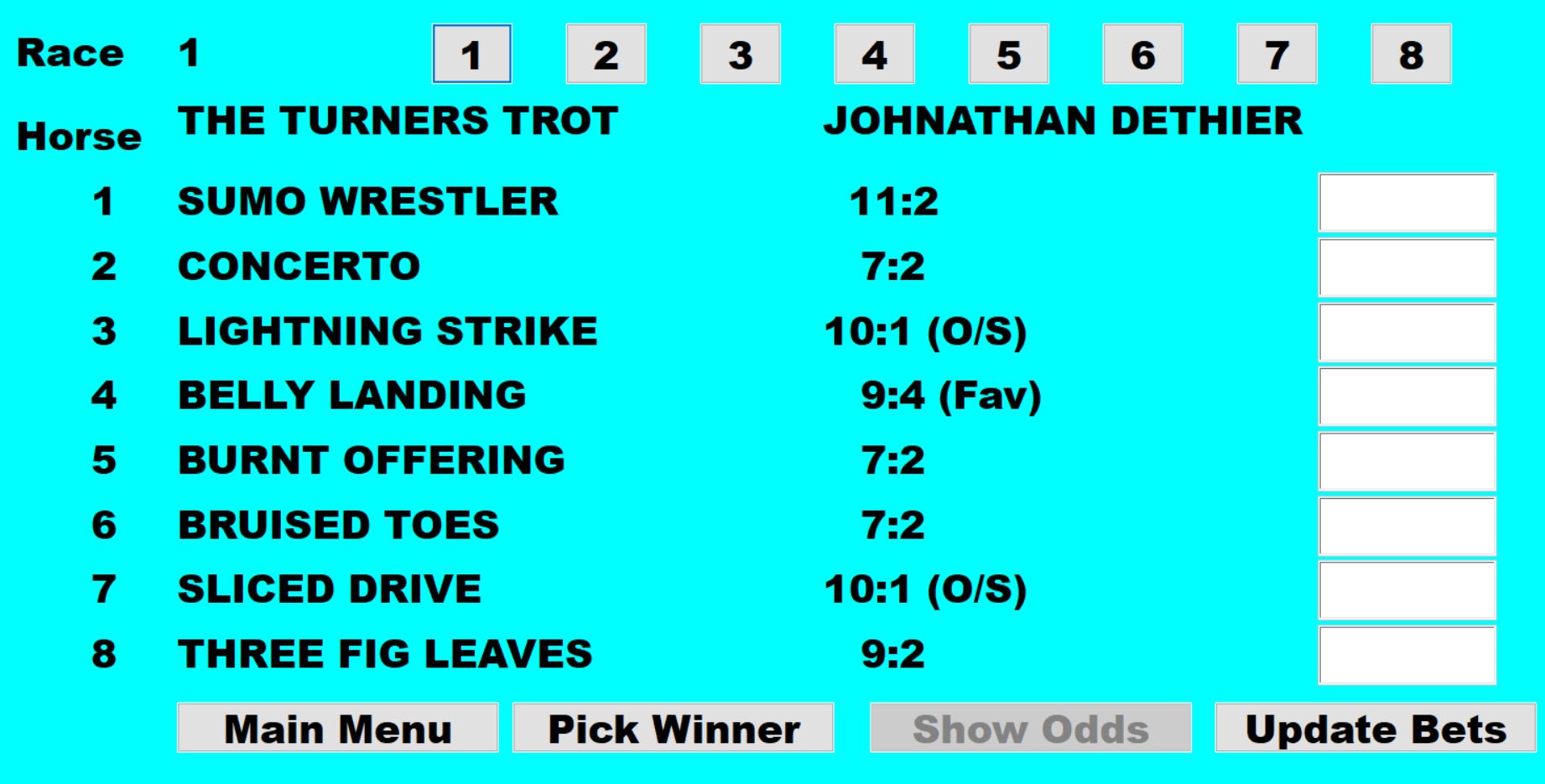
This is the actual screen used during the event.  When a
Race number is selected, it shows the Horse numbers and
Names, and enables the current number of bets placed for
each horse to be updated.   The bet numbers are updated
several times as punters buy tickets before a race starts,
enabling the 'TOTE' screen to display the latest position 
 
This again is the actual screen used during the event, but
after 'Show Odds' has been selected instead of 'Update
Bets' - giving a 'TOTE' display.
This is the view on display most of the time during 'betting'. 
The Favourite (Fav) and Outsider (O/S) horses are
indicated - i.e. those with the most, and those with the least,
bets placed on them


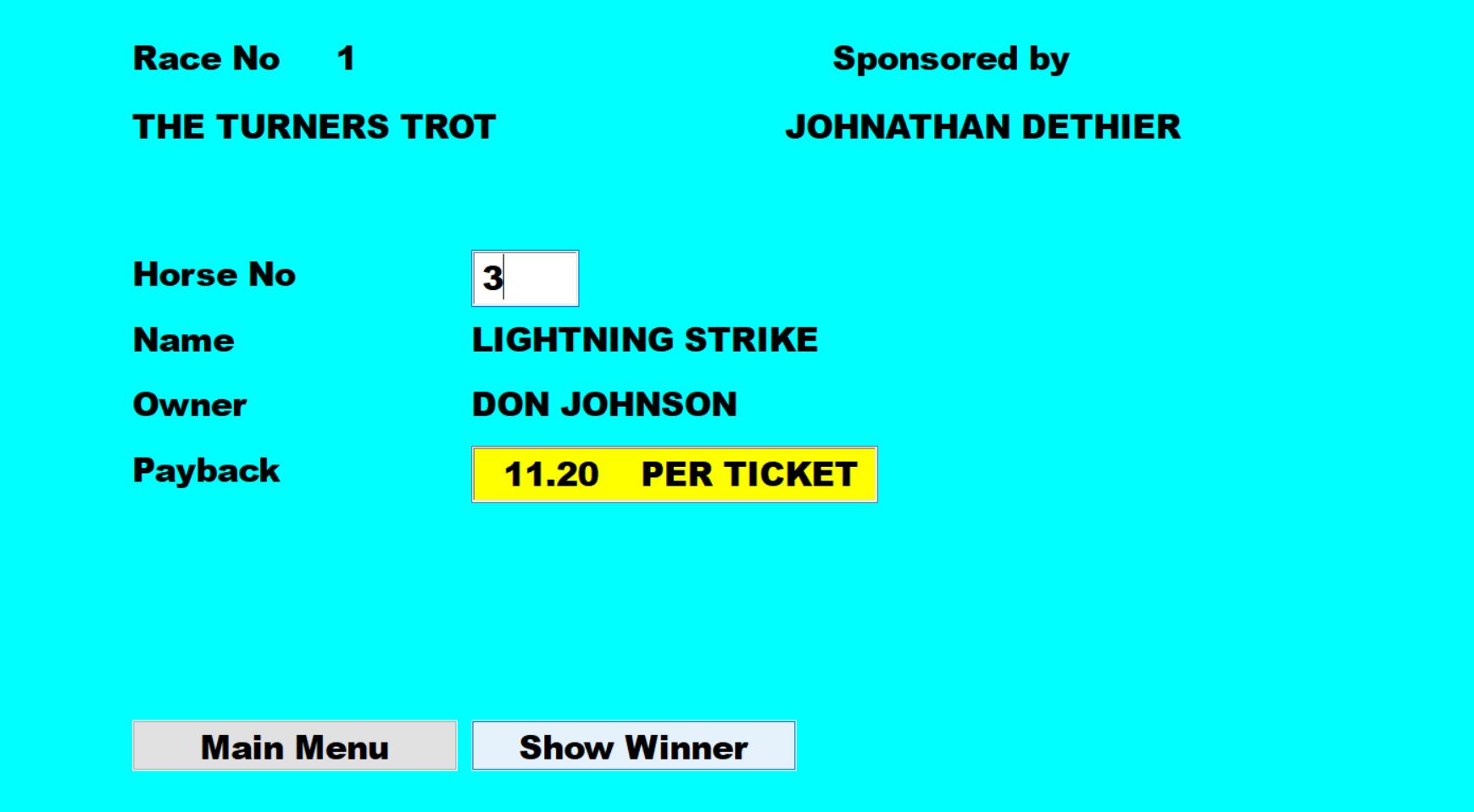
Here, at the end of a race, the operator has selected 'Pick
Winner' from the 'Show Odds' screen, entered the number
of the winning horse, and selected 'Show Winner'.
The screen then shows the Name of the horse, its Owner,
and the Payback per ticket - instantly!
After those holding winning tickets have been paid, the
operator returns to the 'TOTE' screen above for the next
race.


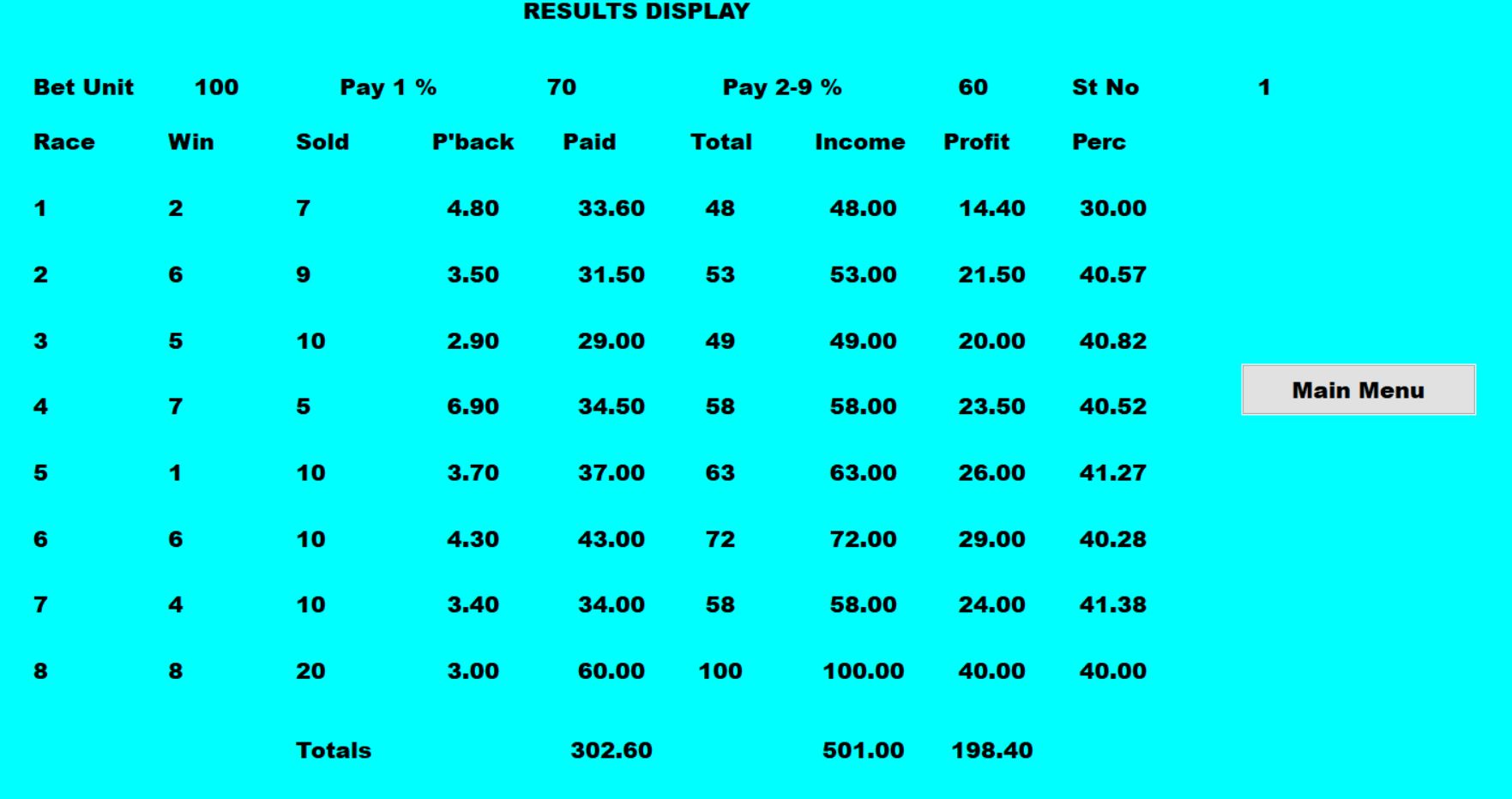
At any time during the event - but usually at the end - this is
the screen that is shown when 'Display Results' is selected
from the Main Menu.  It gives an analysis for each race and
a running total of the tickets sold/profit, etc.
Operators may choose to display this screen when the
program's screen is NOT visible from the overhead
projector. 
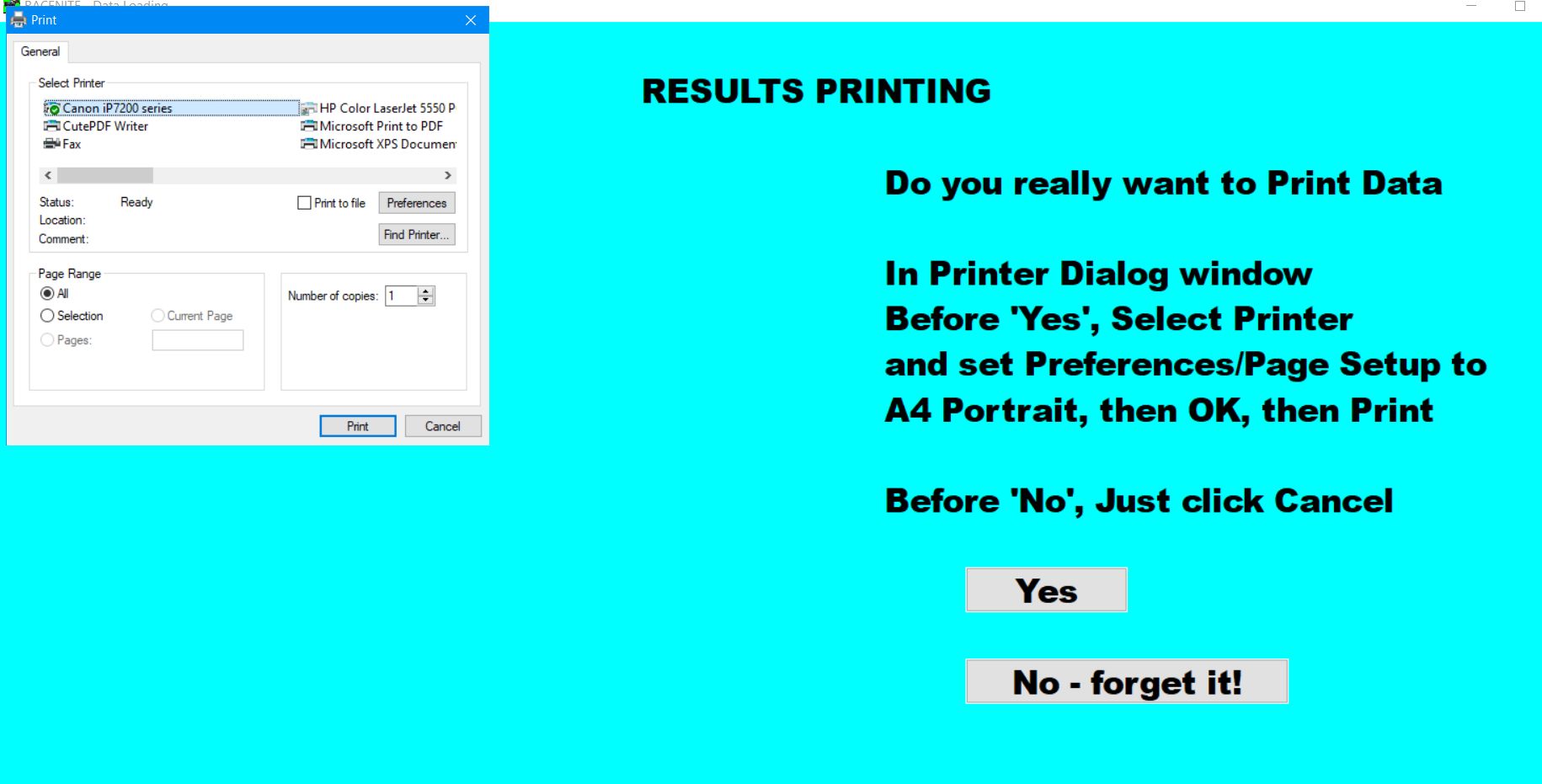
The results can be also be sent to the default printer if one
is connected to the laptop PC,


At any time during the event - but usually at the end - this is
the screen that is shown when 'Print Results' is selected
from the Main Menu.  
The Printer Dialog popup enables selection of a system
printer, and the setting of its options.


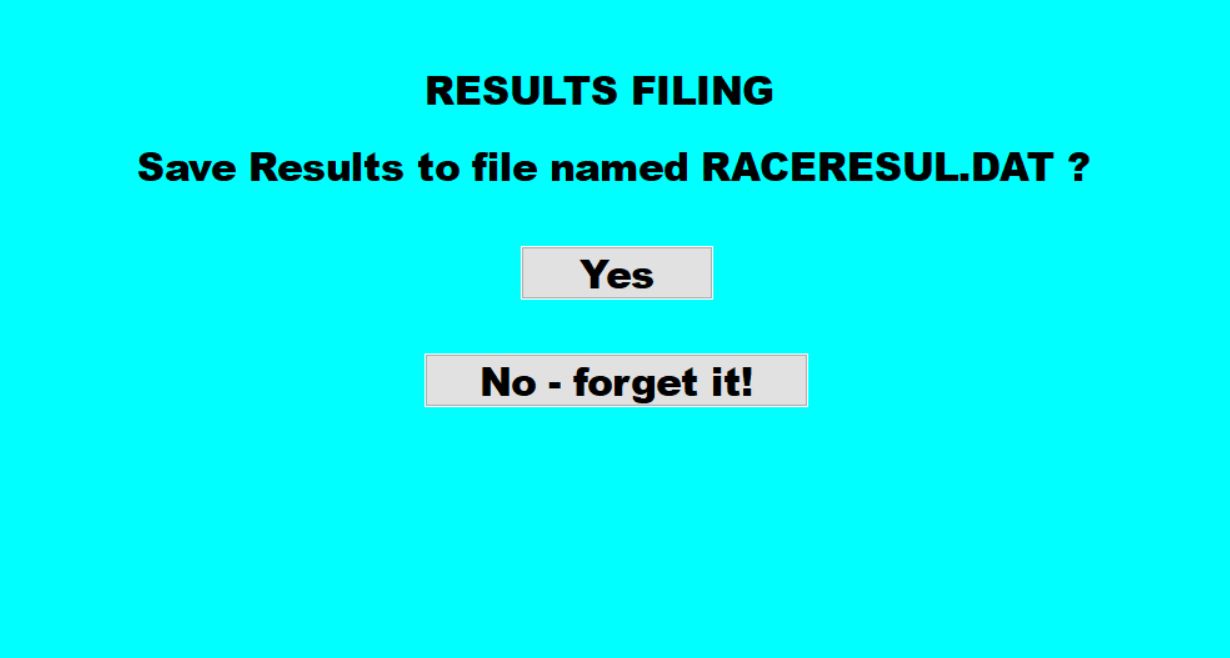
At any time during the event - but usually at the end - this is
the screen that is shown when 'File Results' is selected
from the Main Menu.  
The event results are stored in a file.
The file could be attached to an email
for distribution


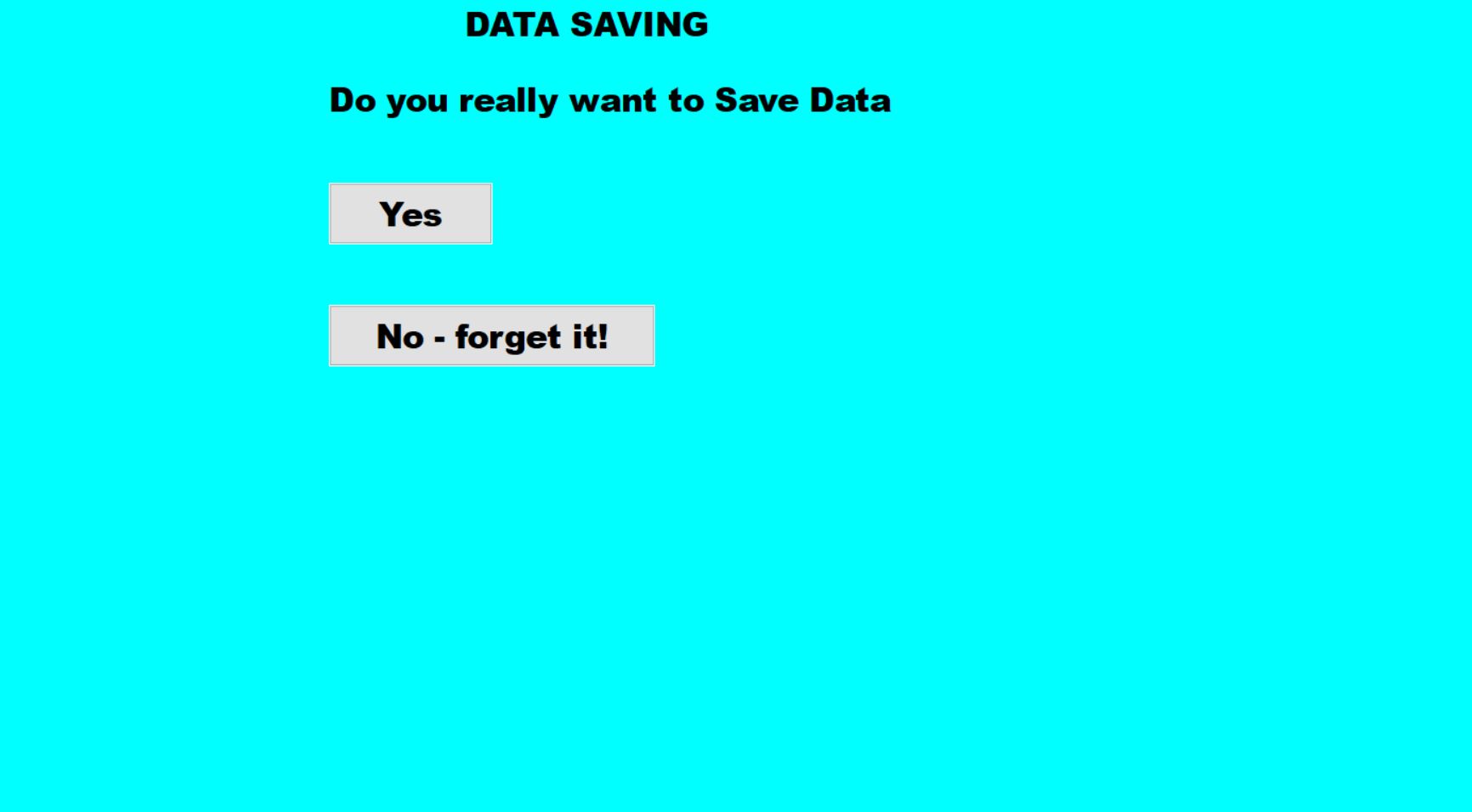
At any time during the event - but usually at the end - this is
the screen that is shown when 'Save Data' is selected from
the Main Menu.   It provides a 'backup' of what has
happened so far during the event.
It can also be used to store Race Names, Sponsors, Horses
and Owners prior to an event, ready to be Loaded by the
'Load Data' screen.


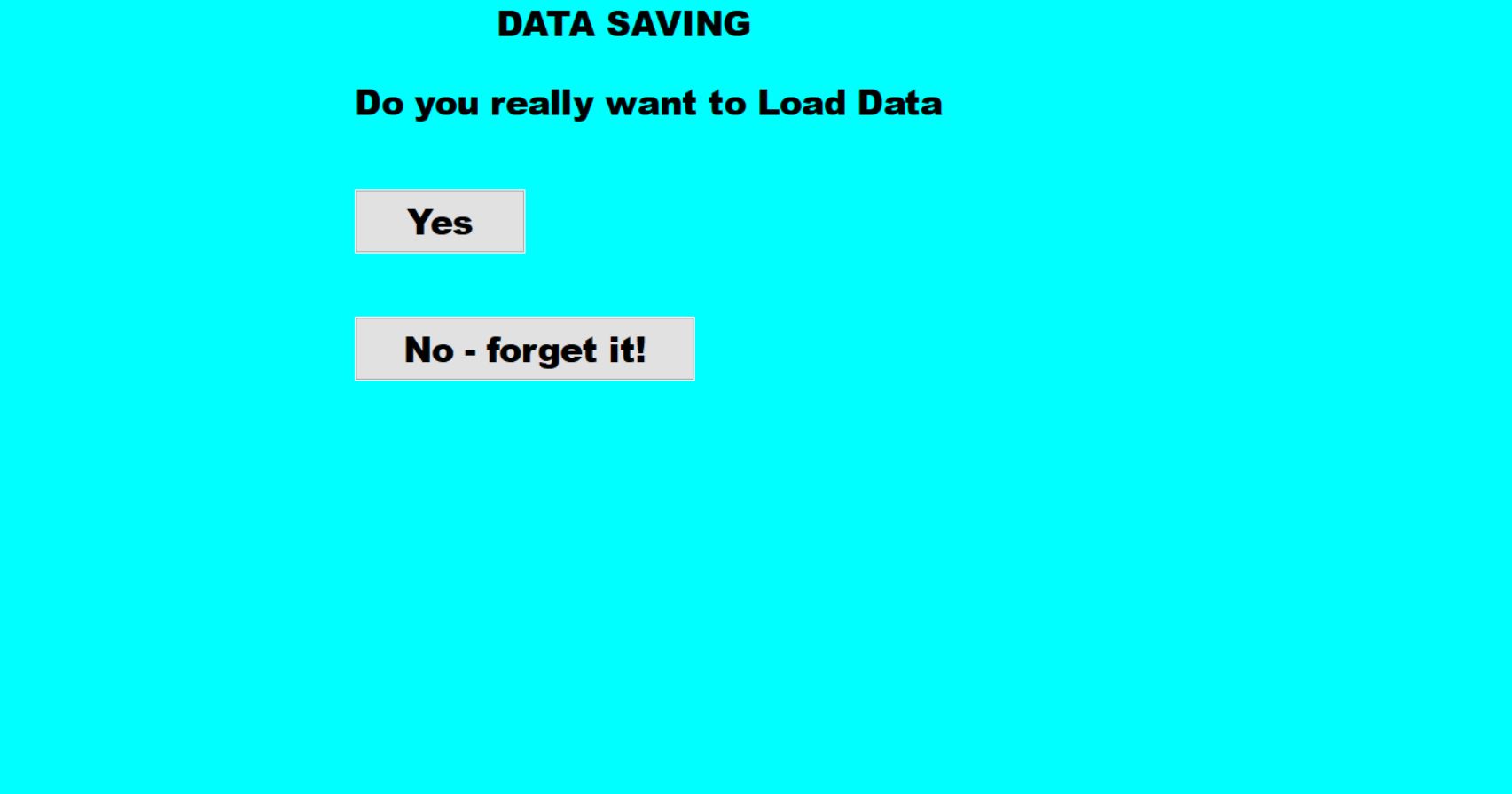
This is the screen that is shown when 'Load Data' is
selected from the Main Menu.